





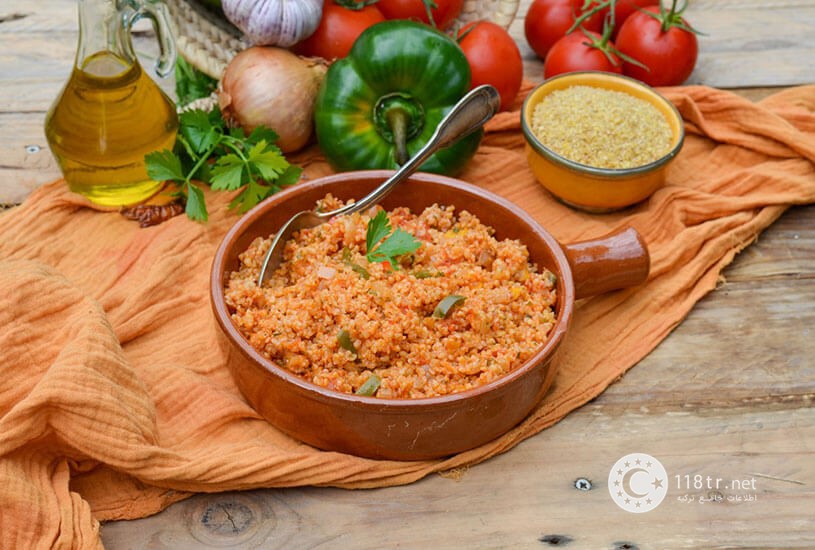

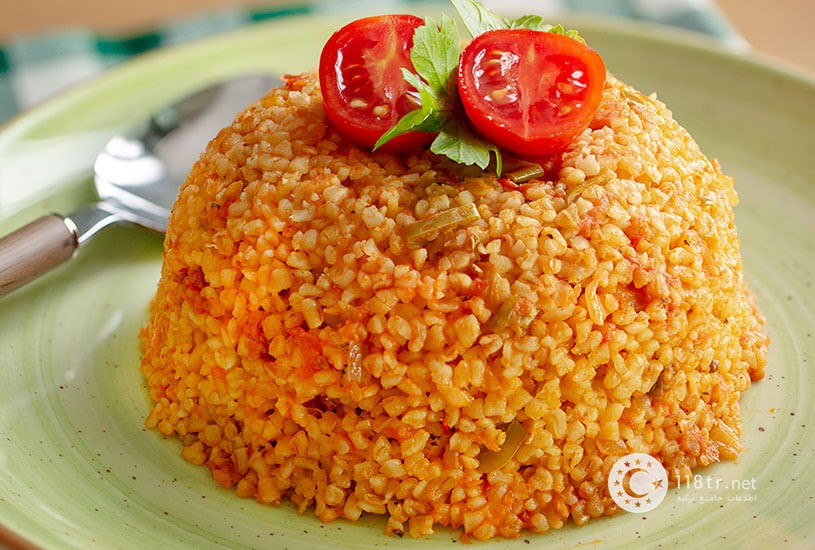
پلوی بلغور (bulgur pilavi) یکی دیگر از غذاهای ترکیه ای است که مانند دیگر غذاها مثل کورو فاصولیه، صدف سیاه، ایمام بایلدی، دوروم و ایچلی کوفته طرفداران زیادی را به خودش اختصاص داده است. پلو بلغور ترکیه جایگزین عالی برای برنج سفید و تنها رقیب دمی گوجه ایرانی هاست. در این مقاله قصد داریم شما را با پلوی بلغور آشنا کنیم. همچنین مواد اولیه و طرز تهیه آن را برای شما عزیزان توضیح خواهیم داد. در انتها ویدیویی از نحوه تهیه این غذا برای شما قرار داده ایم؛ با ما همراه باشید.
مواد لازم برای تهیه پلوی بلغور:
- کره: 1 قاشق غذاخوری
- روغن زیتون: 1 قاشق غذاخوری
- پیاز: 2 عدد
- سیر: 1 حبه
- فلفل سبز (خرد شده): 2 عدد
- رب گوجه فرنگی: 1 قاشق غذاخوری
- سس فلفل: 1/2 قاشق غذاخوری
- بلغور: 2 لیوان
- فلفل سیاه، نمک، پاپریکا و آویشن: 1 قاشق چای خوری
- گوجه فرنگی (رنده شده): 2 عدد
- آب: 4 لیوان
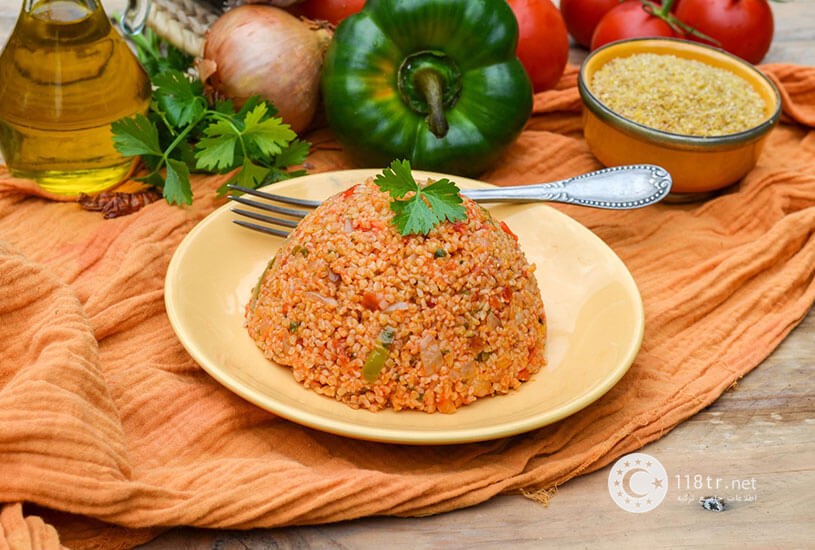
طرز تهیه پلوی بلغور:
- یک قاشق غذاخوری کره و روغن زیتون را در یک قابلمه بریزید. سپس پیازها را اضافه کنید و اجازه دهید تا سرخ شوند.
- 1 سیر خرد شده و 2 فلفل سبز خرد شده را اضافه کرده و سرخ کنید.
- 1 قاشق غذاخوری رب گوجه فرنگی و نصف قاشق غذاخوری سس فلفل را اضافه کرده و سرخ کنید تا بو بگیرد.
- سپس 2 لیوان بلغور درشت را اضافه کنید.
- 1 قاشق چای خوری نمک، فلفل سیاه، پاپریکا و 1 قاشق چای خوری آویشن را به عنوان ادویه اضافه کنید.
- 2 گوجه فرنگی رنده شده را اضافه کنید.
- بعد از اضافه کردن 4 لیوان آب، درب قابلمه را ببندید و بگذارید تا پخته شود.
- بعد از اینکه پلو پخته شد و آب آن تقریبا کشیده شد زیر شعله را خاموش می کنیم و به پلو استراحت بدید. اگر همان لحظه پلو را سرو کنید، مزه و طعم پلو بلغور تریکیه ای اصلی را حس نخواهید کرد.










No comment yet, add your voice below!